Developers & Creators
Move build artifacts, screen recordings, design exports, and large media between a phone, laptop, and desktop without uploading to Drive or waiting on USB cables.

LocalSend.dev
LocalSend is a free AirDrop alternative for sharing files without the internet. Transfer photos, videos, folders, and text between Windows, macOS, Linux, Android, and iOS over your local Wi-Fi with HTTPS encryption, no account, and no cloud upload.
Trusted by millions of downloads and a large open-source community. Your files stay on your local network.
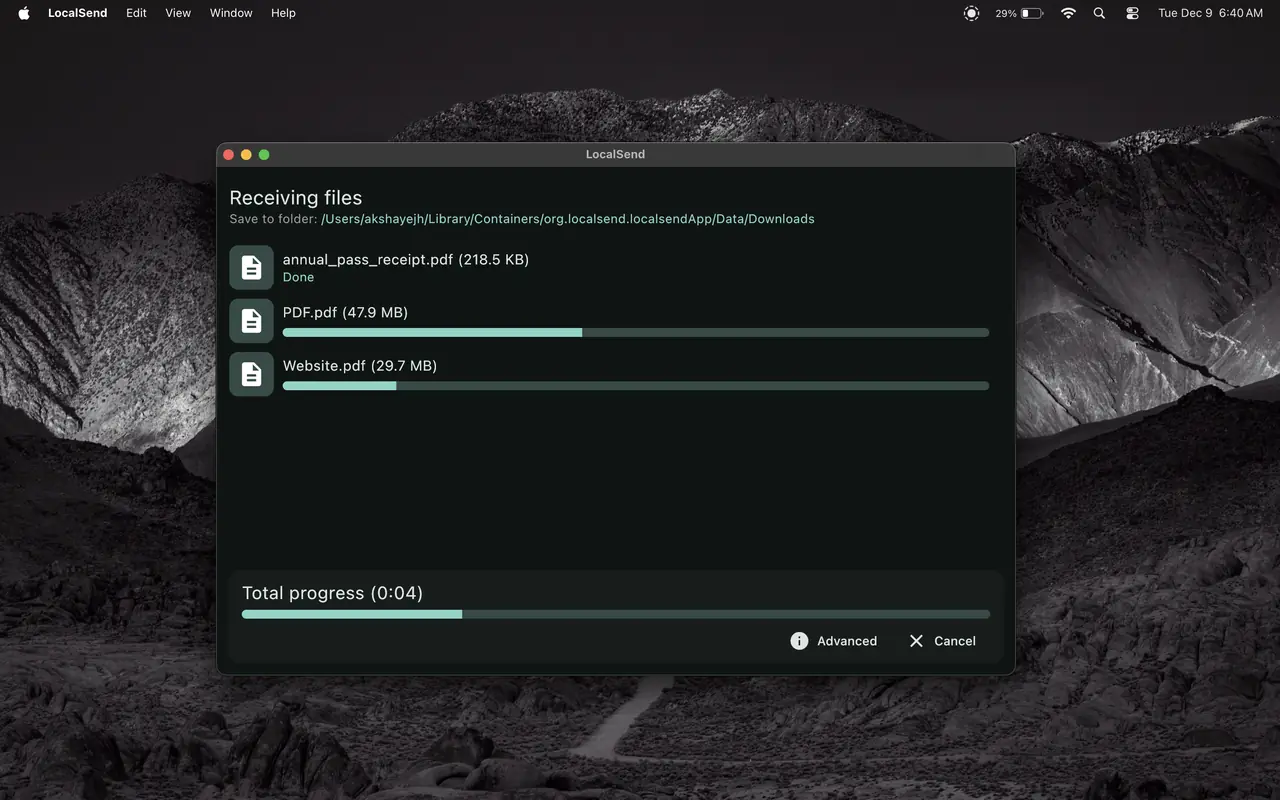
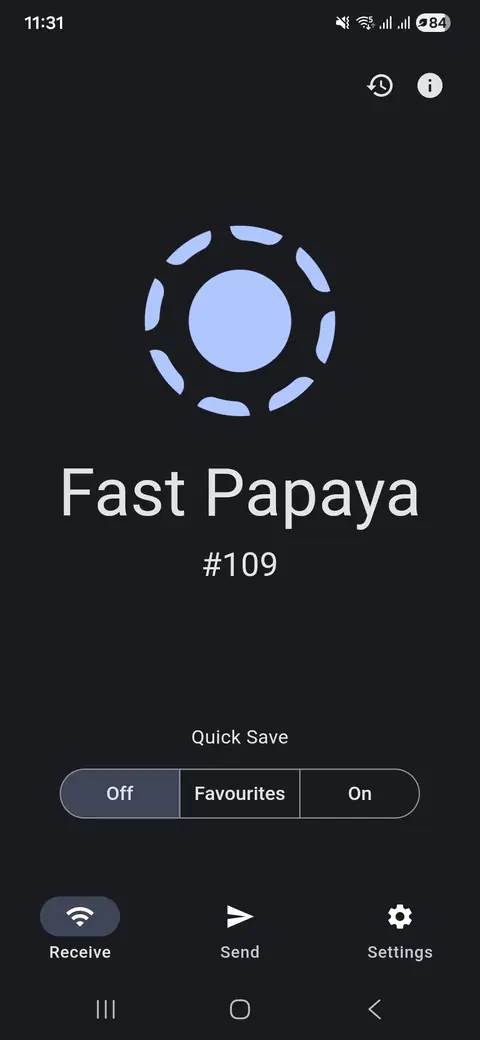
LocalSend is free, open-source software that lets you share files, folders, and messages securely between nearby devices over your local network. People searching for an AirDrop alternative for Windows, a way to transfer files from Android to PC, or offline file sharing without Google Drive use LocalSend because it does not require an internet connection, a user account, or a third-party cloud server.
Devices discover each other on the same Wi-Fi or LAN, then transfer data peer-to-peer with HTTPS encryption. You can move a small text note or a multi-gigabyte video at the full speed of your network, with no bandwidth caps imposed by an external service.
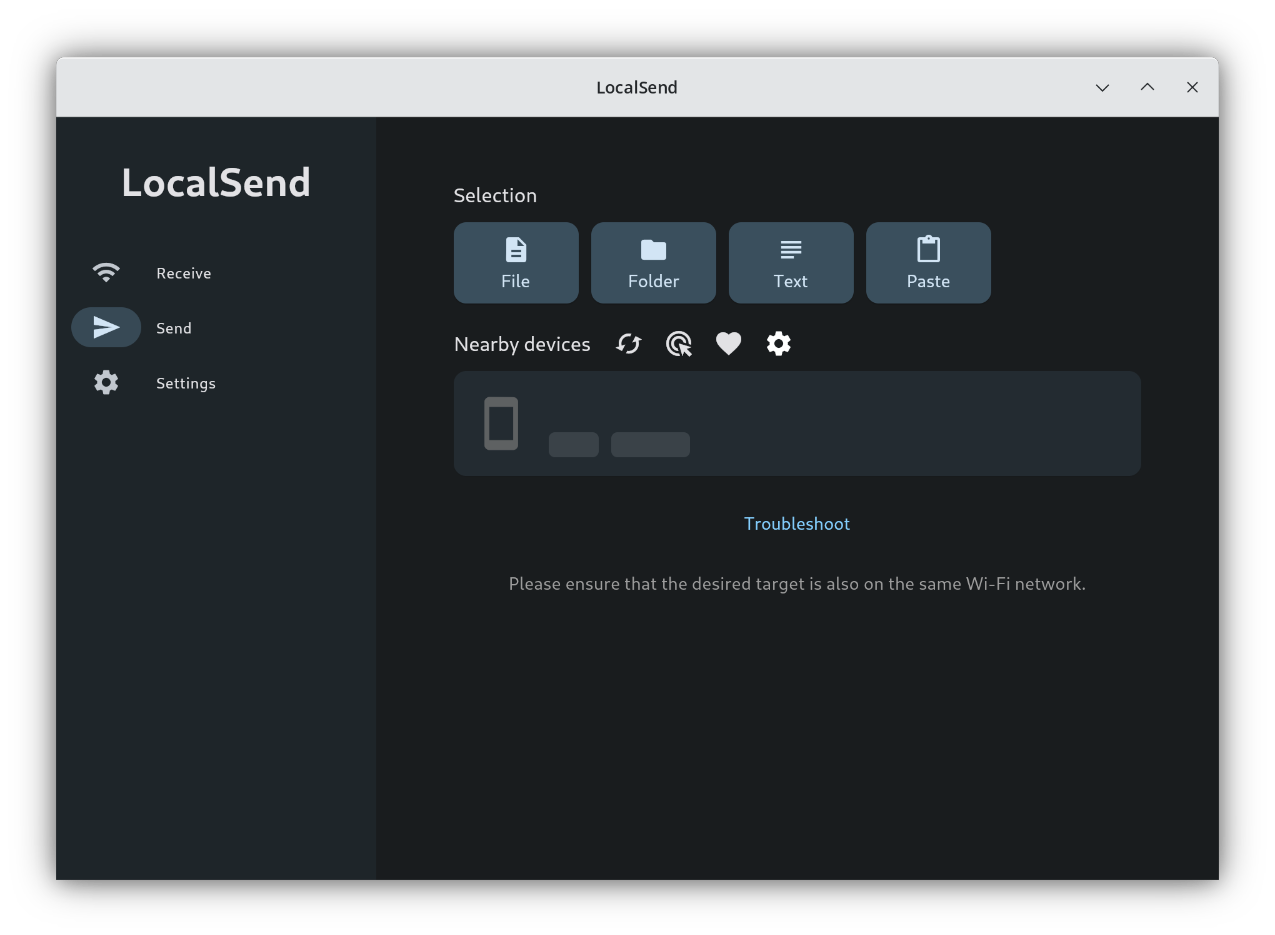
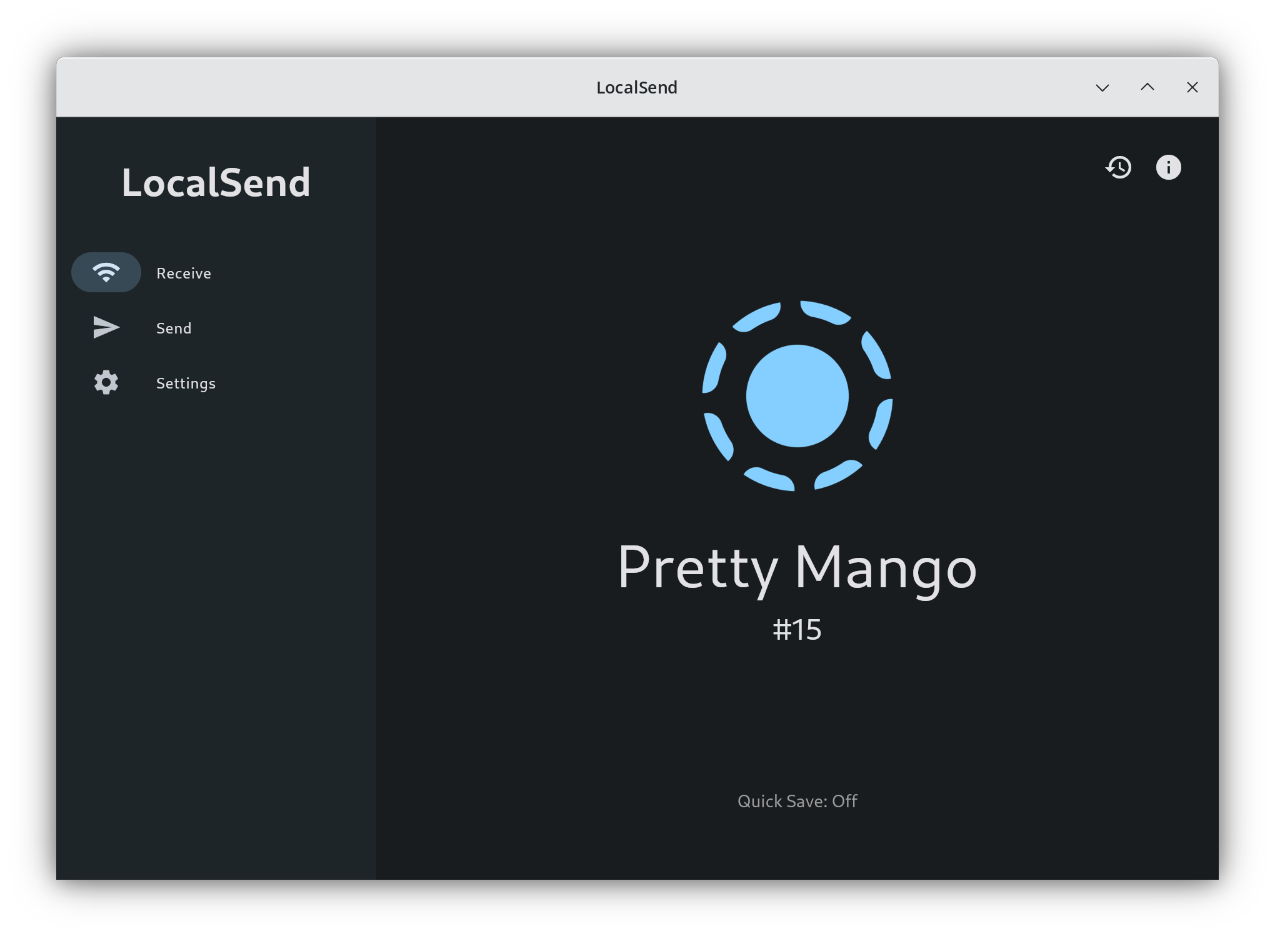
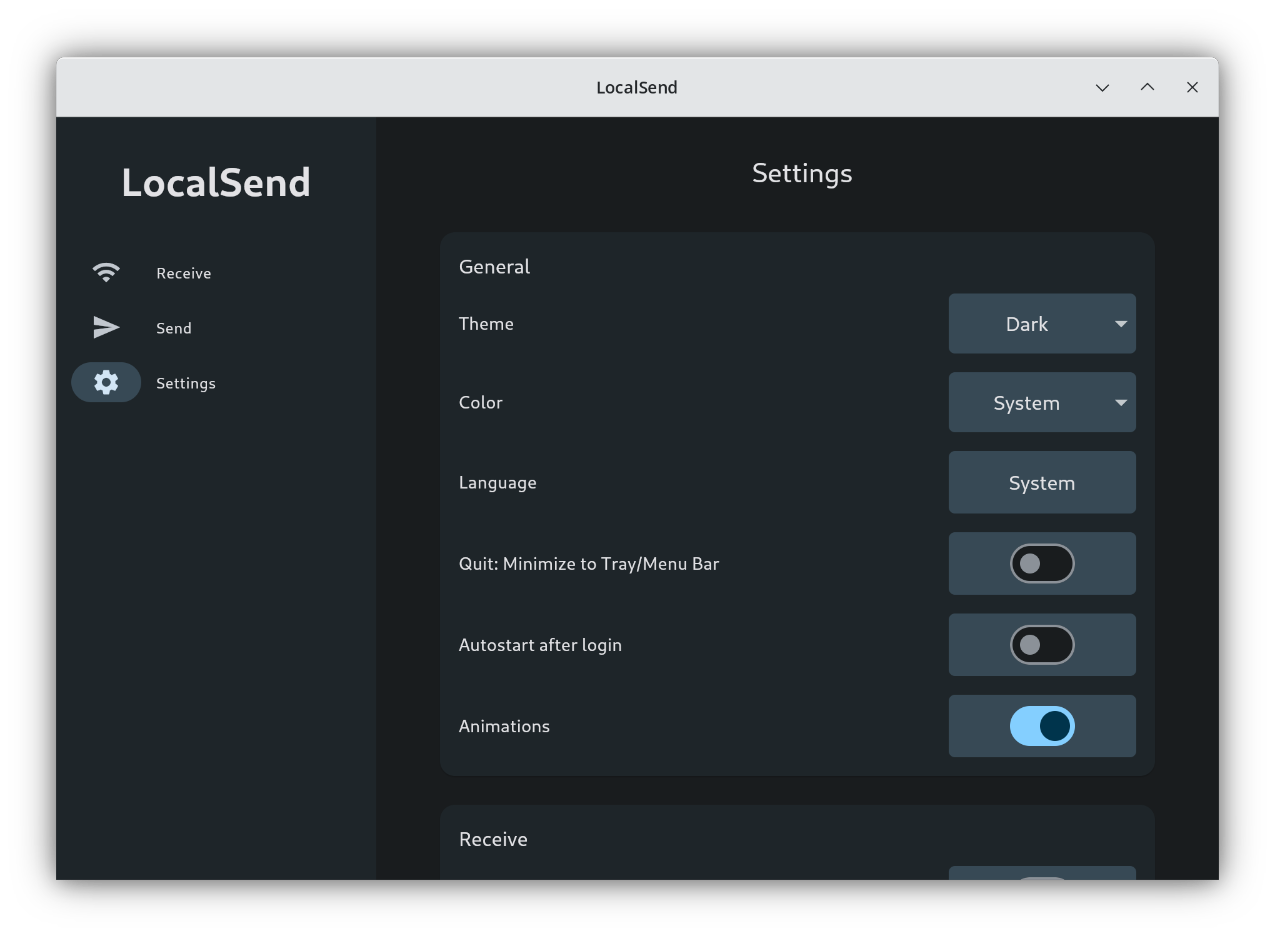
Everything you need for secure, fast file sharing across your local network. Open any card for the full breakdown.
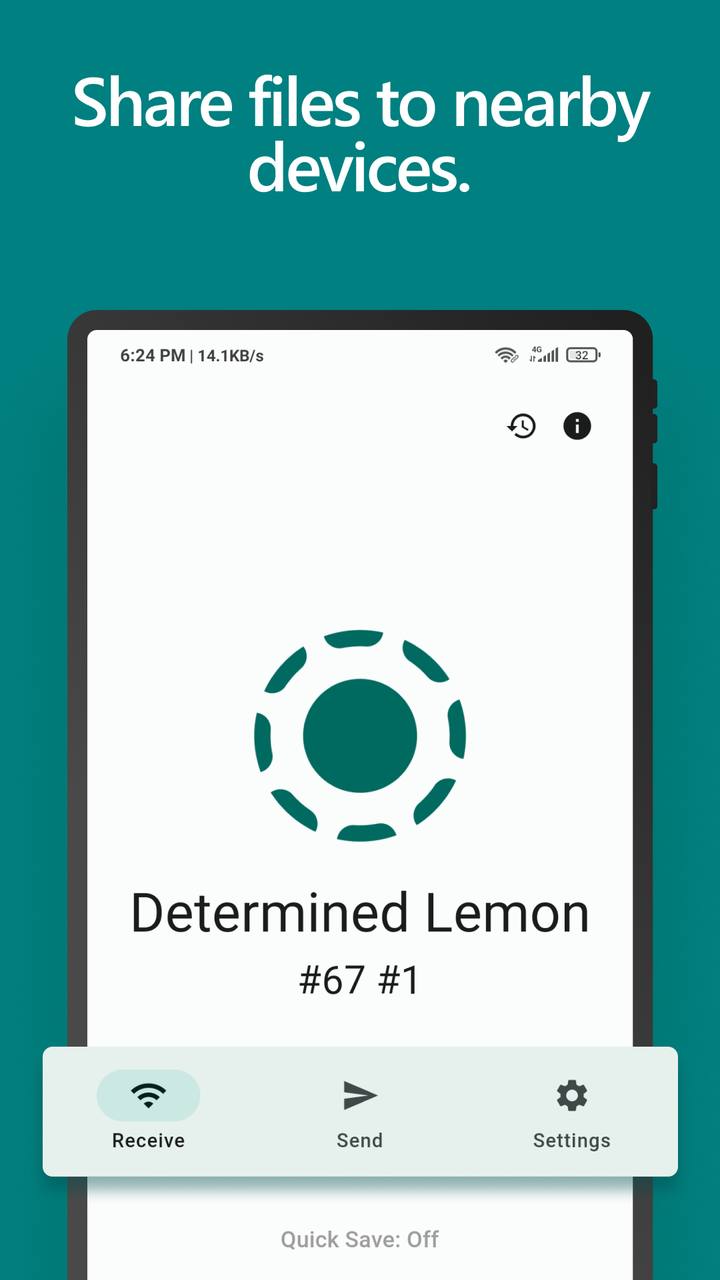
Send between Windows, Mac, Linux, Android, and iOS as long as LocalSend is installed on each device.
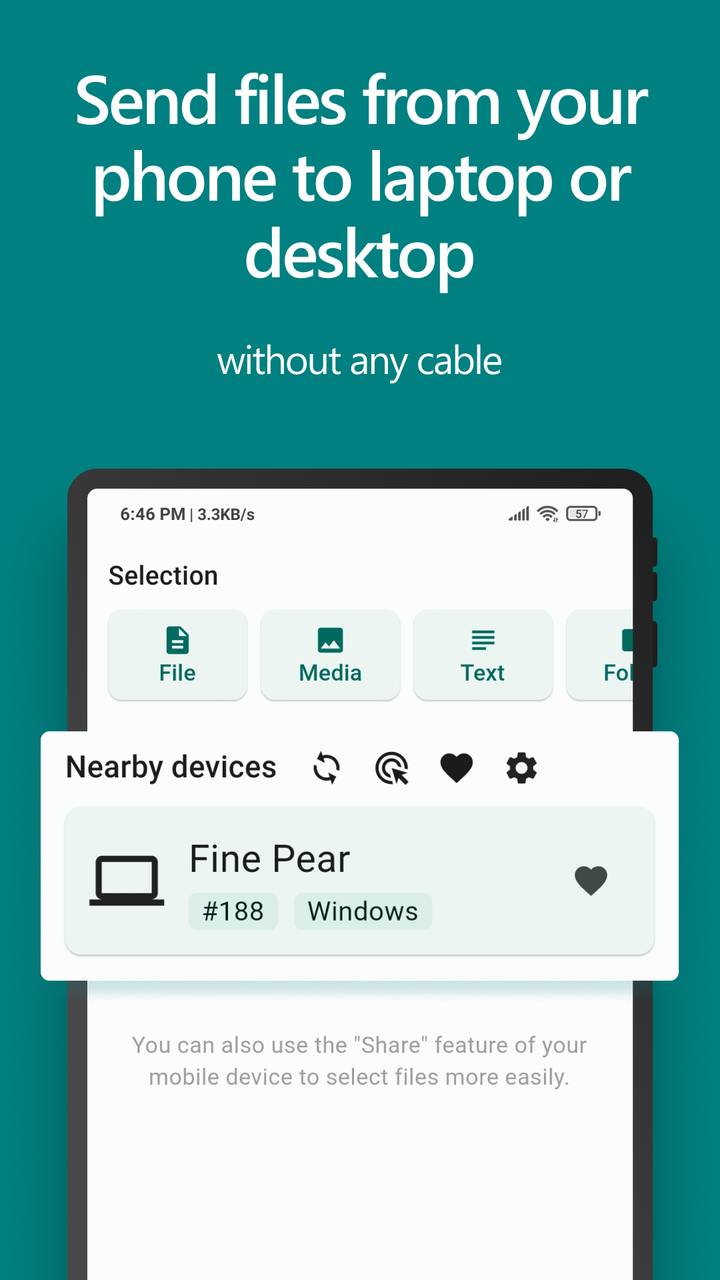
HTTPS and on-the-fly TLS certificates keep transfers private between sender and recipient.
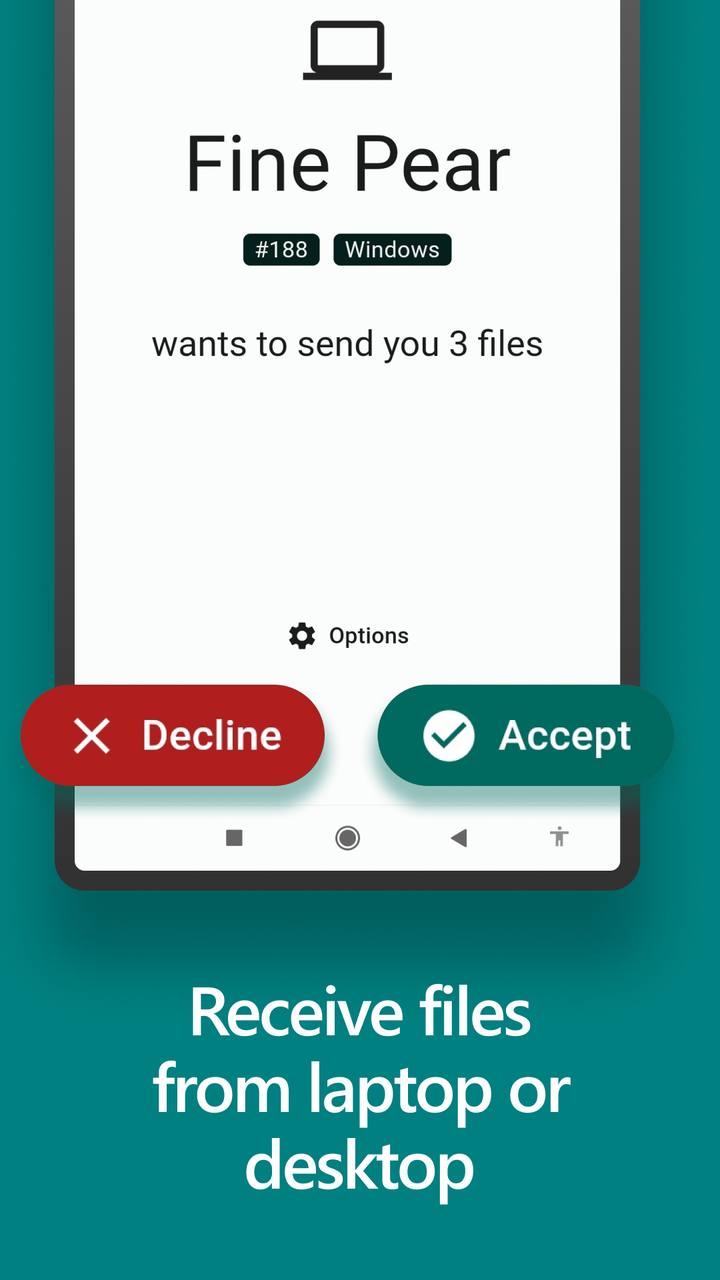
Works fully offline on Wi-Fi or LAN. Your data never leaves the local network.
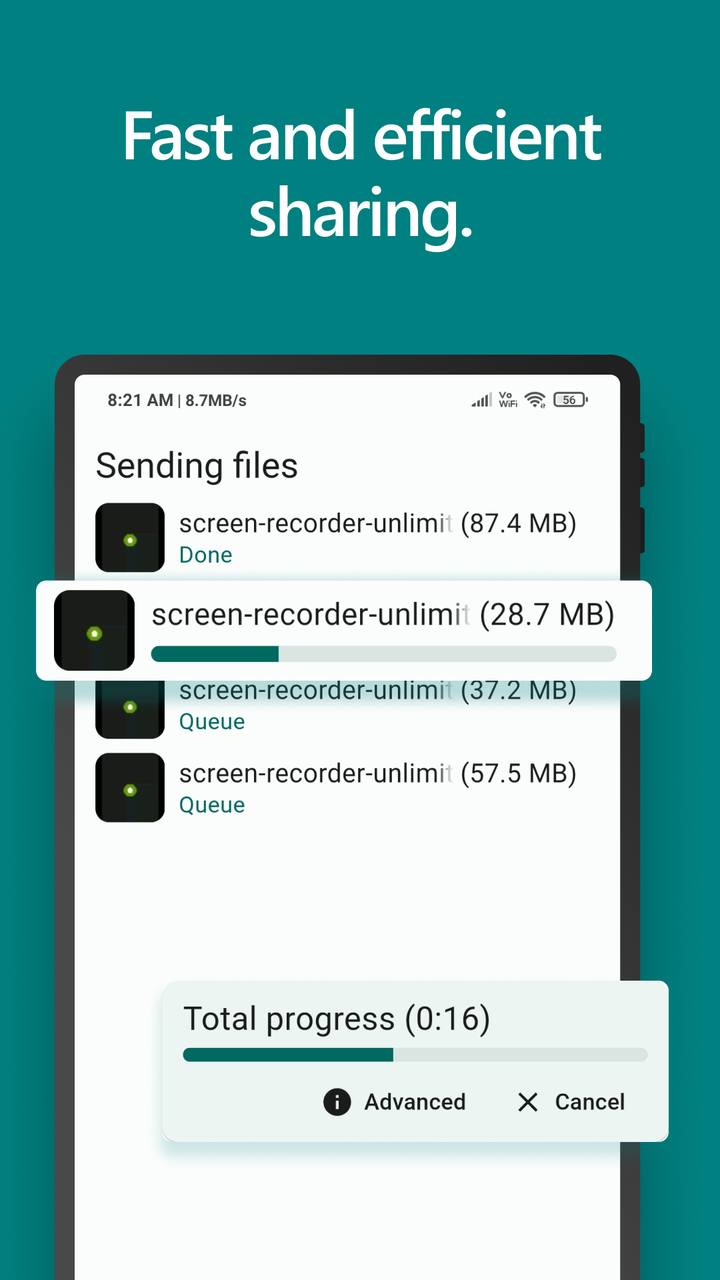
Transfer at the maximum speed of your Wi-Fi or wired network with no cloud bandwidth limits.
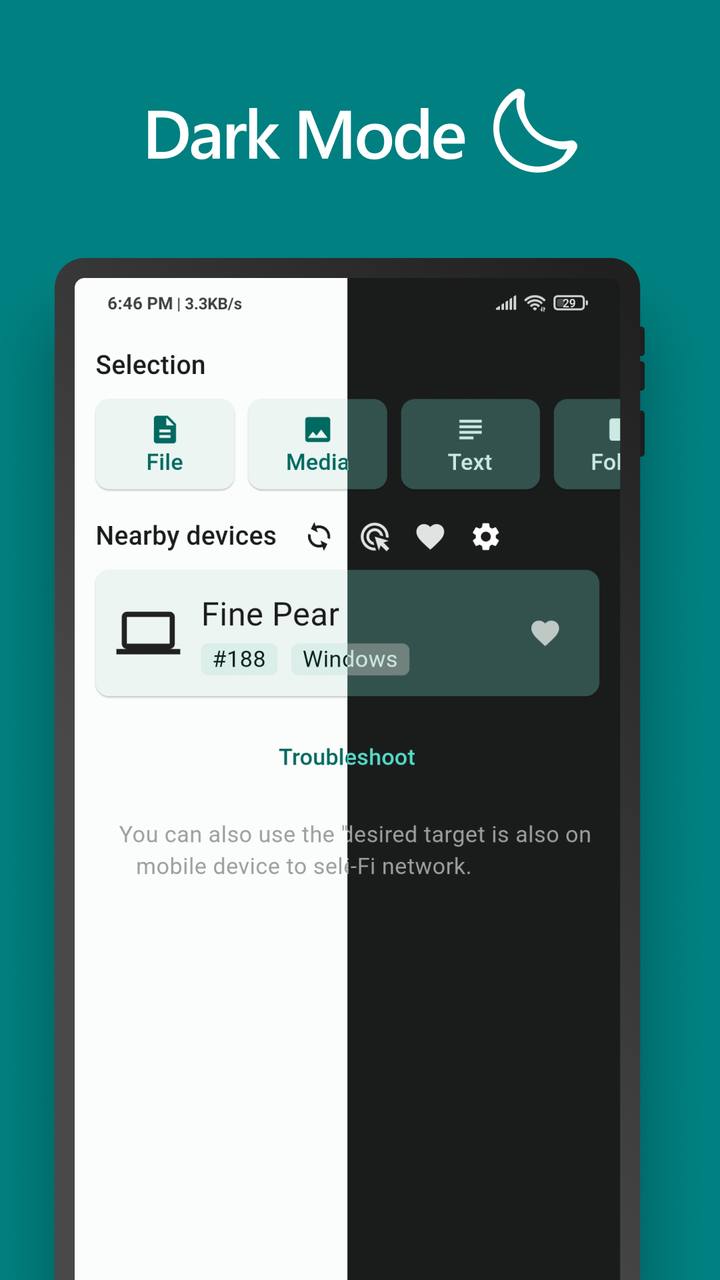
Confirm every receive by default, add PIN protection, or auto-accept trusted favorite devices.
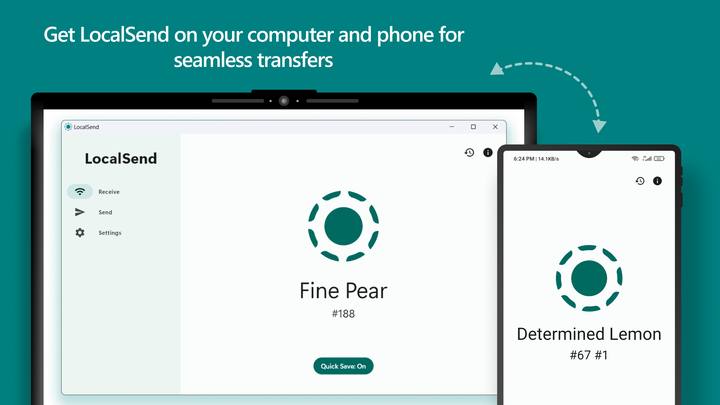
Send to one device, broadcast on the LAN, or share a local download link while the app is open.
LocalSend fits mixed-device homes, creative studios, classrooms, and IT workflows where cloud relays are slow, limited, or unwanted.
Move build artifacts, screen recordings, design exports, and large media between a phone, laptop, and desktop without uploading to Drive or waiting on USB cables.
Distribute installers, logs, and configuration packages across Windows and Linux machines on the same LAN while keeping sensitive files off public clouds.
Replace AirDrop lock-in in mixed Android and Apple households. Share photos, documents, and text notes instantly between every device you own.
A clear look at LocalSend versus well-known tools in the same category: AirDrop and cloud file transfer services.
| Capability | LocalSend | AirDrop | Cloud Transfer Apps |
|---|---|---|---|
| Price | Free | Free (Apple only) | Free tiers with limits |
| Open source | Yes (Apache 2.0) | No | Usually no |
| Windows / Android / Linux | Yes | No | Yes |
| Requires internet | No | No | Yes |
| Requires account | No | Apple ID typically | Often yes |
| File size limit | None | None practical | Common on free plans |
| Data path | Local network only | Local Apple devices | Vendor servers |
Community feedback and press themes around privacy, speed, and true cross-platform sharing.
"An open-source AirDrop alternative that finally works for everyone, not just one ecosystem."
Tech press summary · Cross-platform focus
"I moved huge files without Dropbox or Google Drive. Everything stayed on my own Wi-Fi."
Power user · Offline transfers
"LocalSend replaced AirDrop in my mixed setup. Phone to Windows transfers are painless."
Android + Windows household
"No account, no ads, HTTPS encryption, and no file size limit. Exactly what local sharing should be."
Community review · 5.0 rating
"Favorites auto-accept is perfect for sending photos to my PC when I am away from the desk."
Daily driver workflow
"Privacy-first teams get peer-to-peer LAN transfers without routing files through a vendor cloud."
IT / security-minded users
"An open-source AirDrop alternative that finally works for everyone, not just one ecosystem."
Tech press summary · Cross-platform focus
"I moved huge files without Dropbox or Google Drive. Everything stayed on my own Wi-Fi."
Power user · Offline transfers
"LocalSend replaced AirDrop in my mixed setup. Phone to Windows transfers are painless."
Android + Windows household
"No account, no ads, HTTPS encryption, and no file size limit. Exactly what local sharing should be."
Community review · 5.0 rating
"Favorites auto-accept is perfect for sending photos to my PC when I am away from the desk."
Daily driver workflow
"Privacy-first teams get peer-to-peer LAN transfers without routing files through a vendor cloud."
IT / security-minded users
LocalSend is open source under the Apache 2.0 license. Transfers use HTTPS with certificates generated on each device. There are no ads, no trackers, and no mandatory accounts.
Because traffic stays on your LAN, you avoid uploading sensitive documents to a third-party relay. Optional PIN verification and receive confirmation give you control over who can send you files.
HTTPS
Encrypted peer-to-peer transfers
Offline
No cloud relay required
Apache 2.0
Open, auditable source
0 Trackers
No ads, no telemetry for sale
Download LocalSend for your platforms, connect to the same network, and transfer without the cloud.
Go to Download Page