LocalSend software mark
LocalSend LAN sharing desk · LocalSend.dev
Home / features
Skip to content

Feature Deep Dive

LocalSend Features for Secure Local File Sharing

A complete breakdown of discovery, encryption, permissions, transfer performance, and flexible sharing modes that make LocalSend a trusted AirDrop-style tool for every major platform.

Cross-Platform Device Discovery

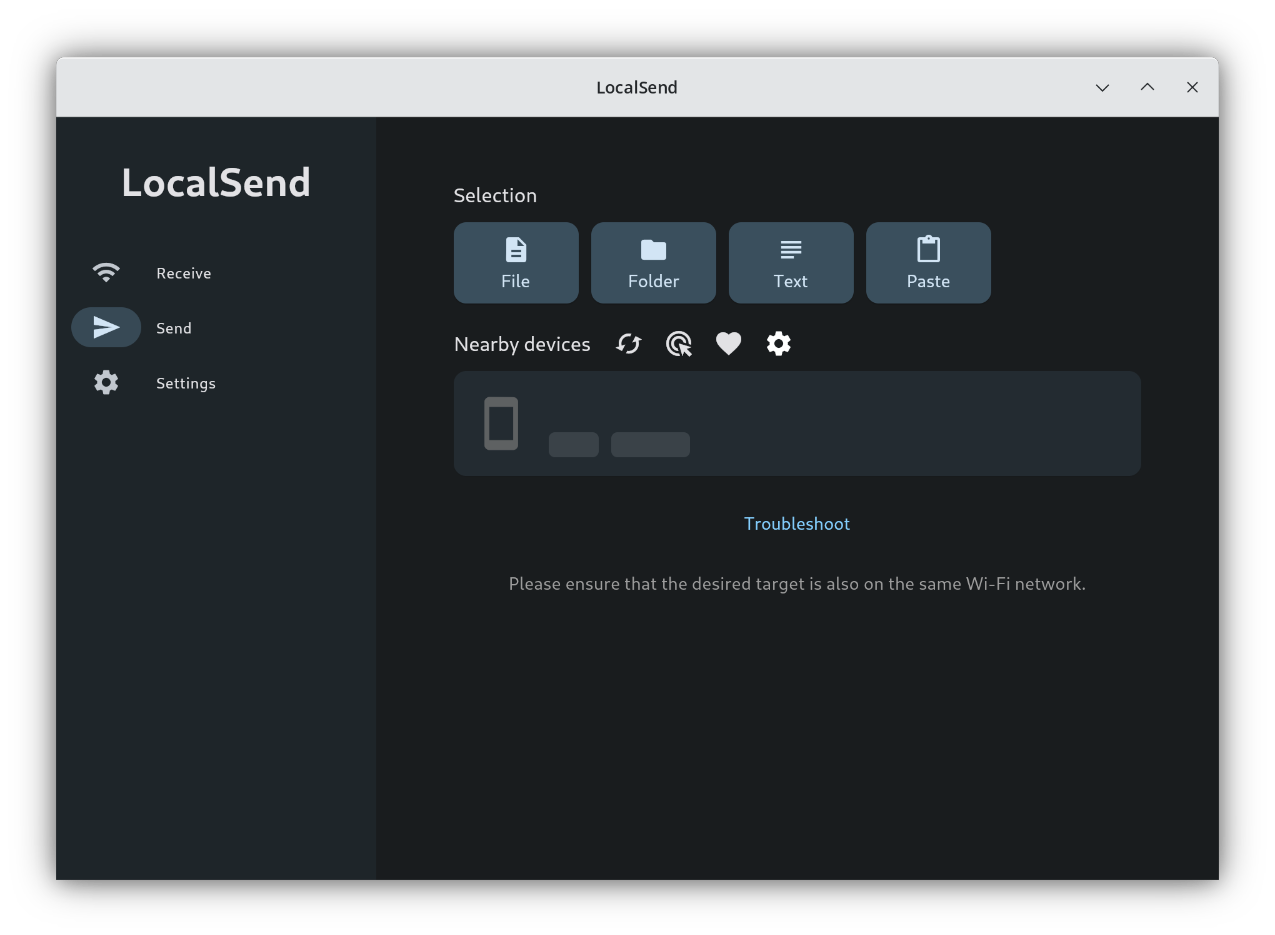
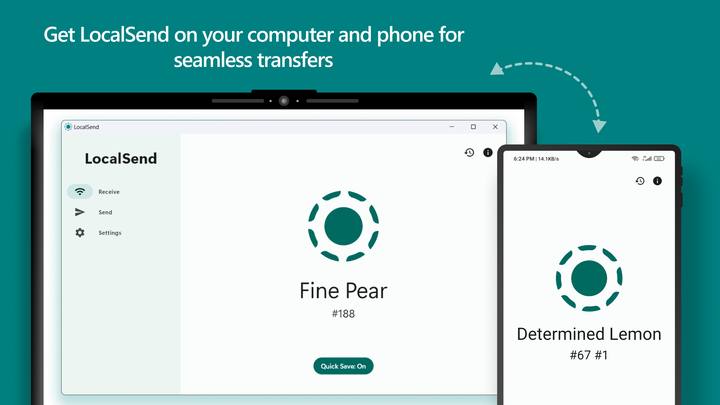
LocalSend is available for Windows, macOS, Linux, Android, and iOS. Nearby devices on the same local network appear automatically so you can tap a target and send photos, videos, documents, folders, or text.

  • • Zero-configuration discovery on a shared LAN or Wi-Fi segment
  • • Works across different operating systems without cables
  • • Ideal for mixed homes, studios, and offices
Device not visible? Open troubleshooting guides →
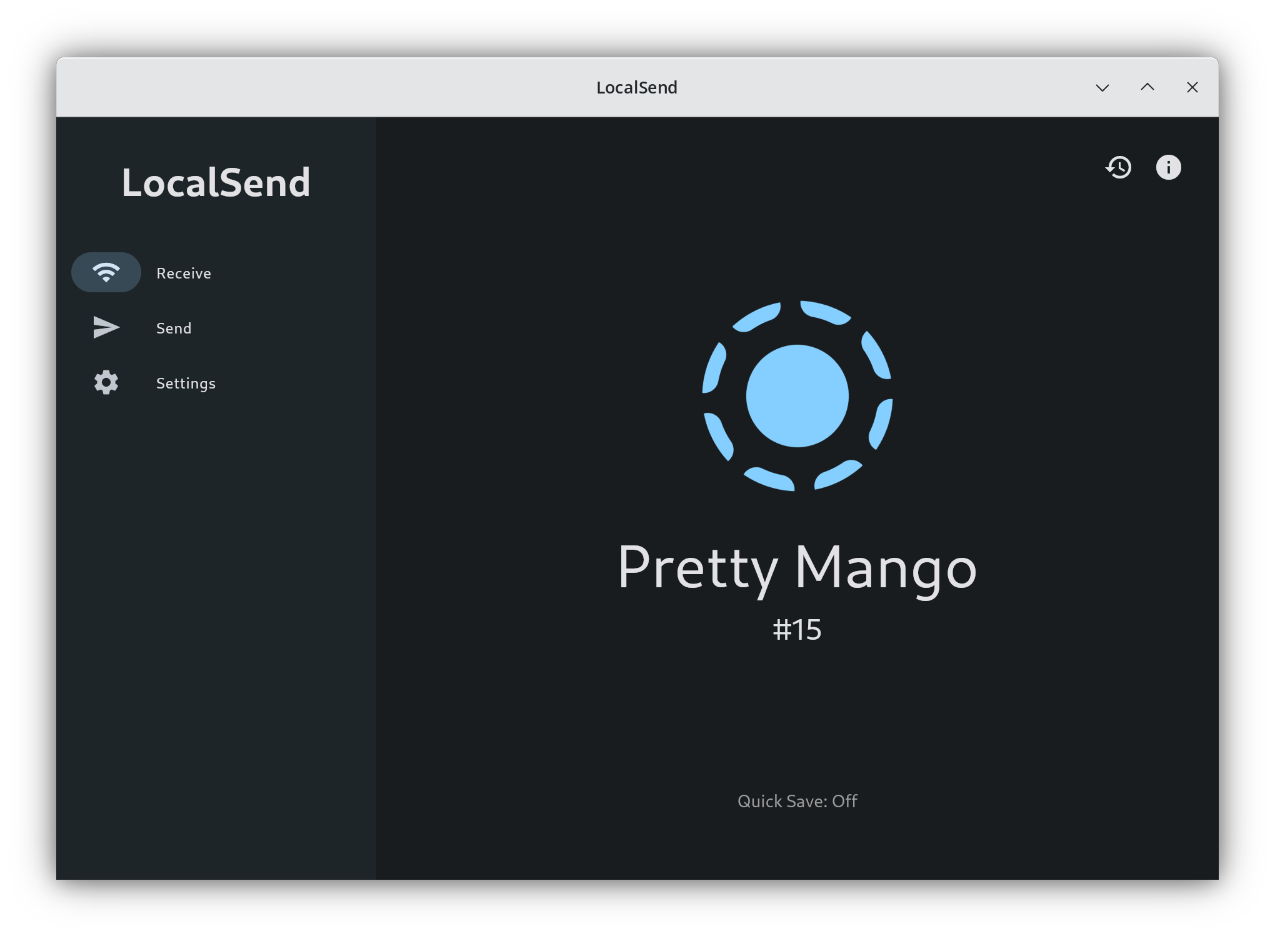
LocalSend listing nearby devices across platforms - LocalSend.dev visual
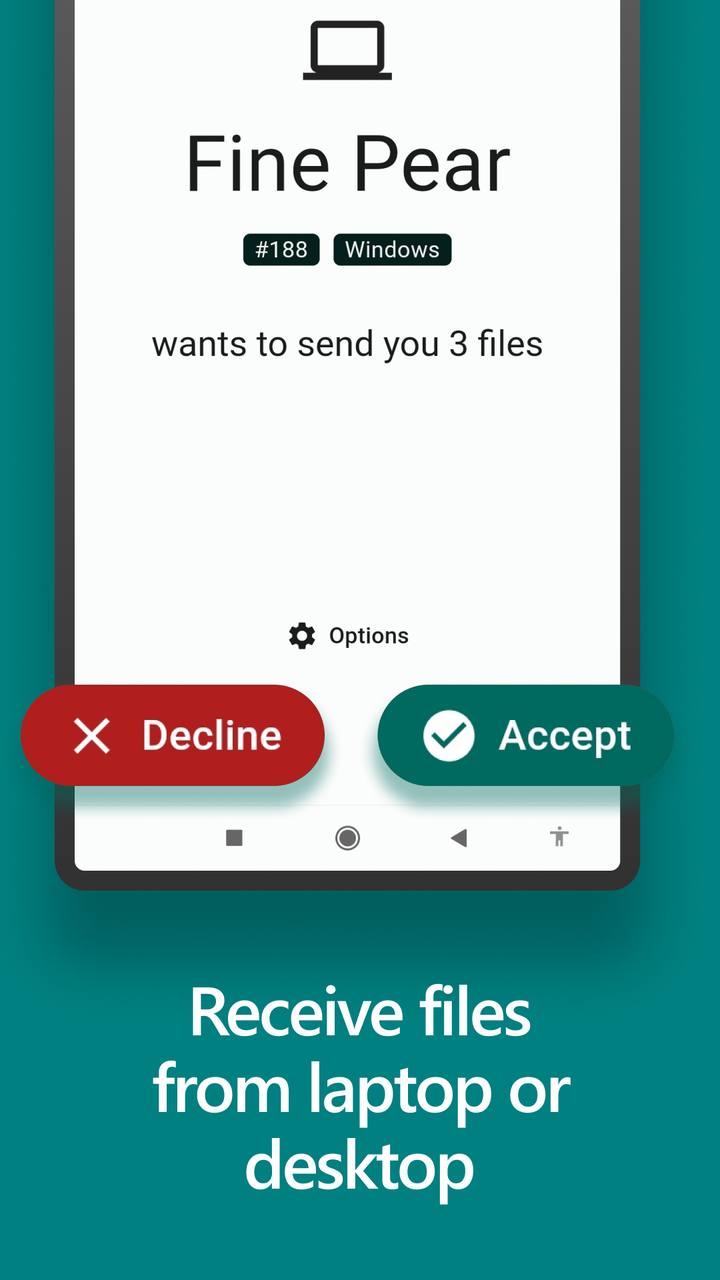
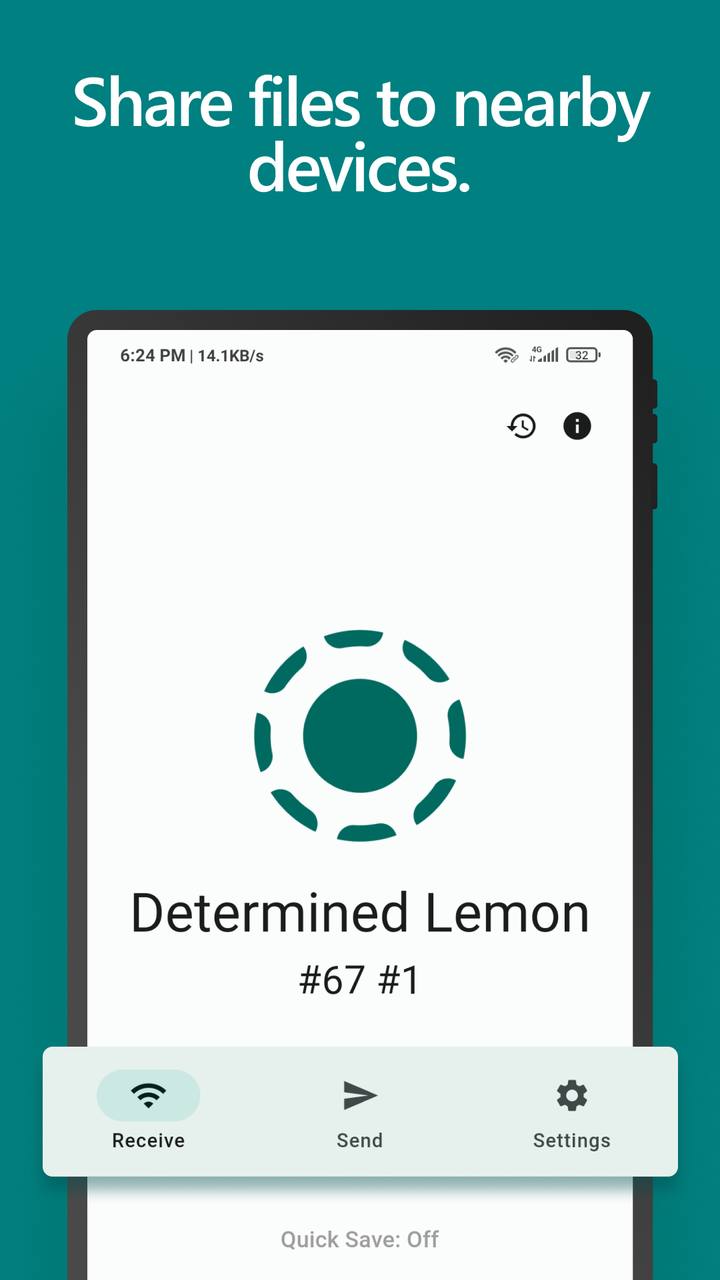
LocalSend encrypted receive interface - LocalSend.dev visual

Secure Encryption & Transfer Monitoring

All communication uses a REST-based local protocol over HTTPS. Each device generates its own TLS certificate so transfers remain encrypted between sender and recipient without routing through a central server.

  • • End-to-end style protection on the local network via HTTPS
  • • Clear send and receive progress while files move
  • • No third-party relay storing your content
Read the Trust & Security policy →

Offline Local Network Operation

LocalSend works completely offline. As long as devices share a local network (including a phone hotspot), you can transfer files without internet access and without consuming mobile data quotas for the payload itself.

  • • Peer-to-peer transfers stay on your LAN
  • • Useful while traveling with hotspot-only setups
  • • Keeps confidential files off public cloud storage
See network best practices →
LocalSend working on a local network without internet - LocalSend.dev visual
LocalSend sending interface with transfer performance - LocalSend.dev visual

Performance Insights & Full-Speed Transfers

Transfers run at the maximum speed of your Wi-Fi or wired network. There is no artificial file size limit from LocalSend, so a short note and a multi-gigabyte movie use the same simple workflow.

  • • No cloud bandwidth throttling
  • • Suitable for large media and project archives
  • • Faster than uploading then downloading through a remote service
Transfers feel slow? Follow the speed guide →

Advanced Permissions: PIN, Confirm, Favorites

By default LocalSend asks you to confirm incoming transfers. You can enable PIN verification for stronger receive control, or add trusted devices to Favorites so they can send automatically even when you are away from the screen.

  • • Manual accept for every new sender
  • • Optional PIN for extra receive security
  • • Favorites for hands-free trusted devices
Configure receive settings in Guides →
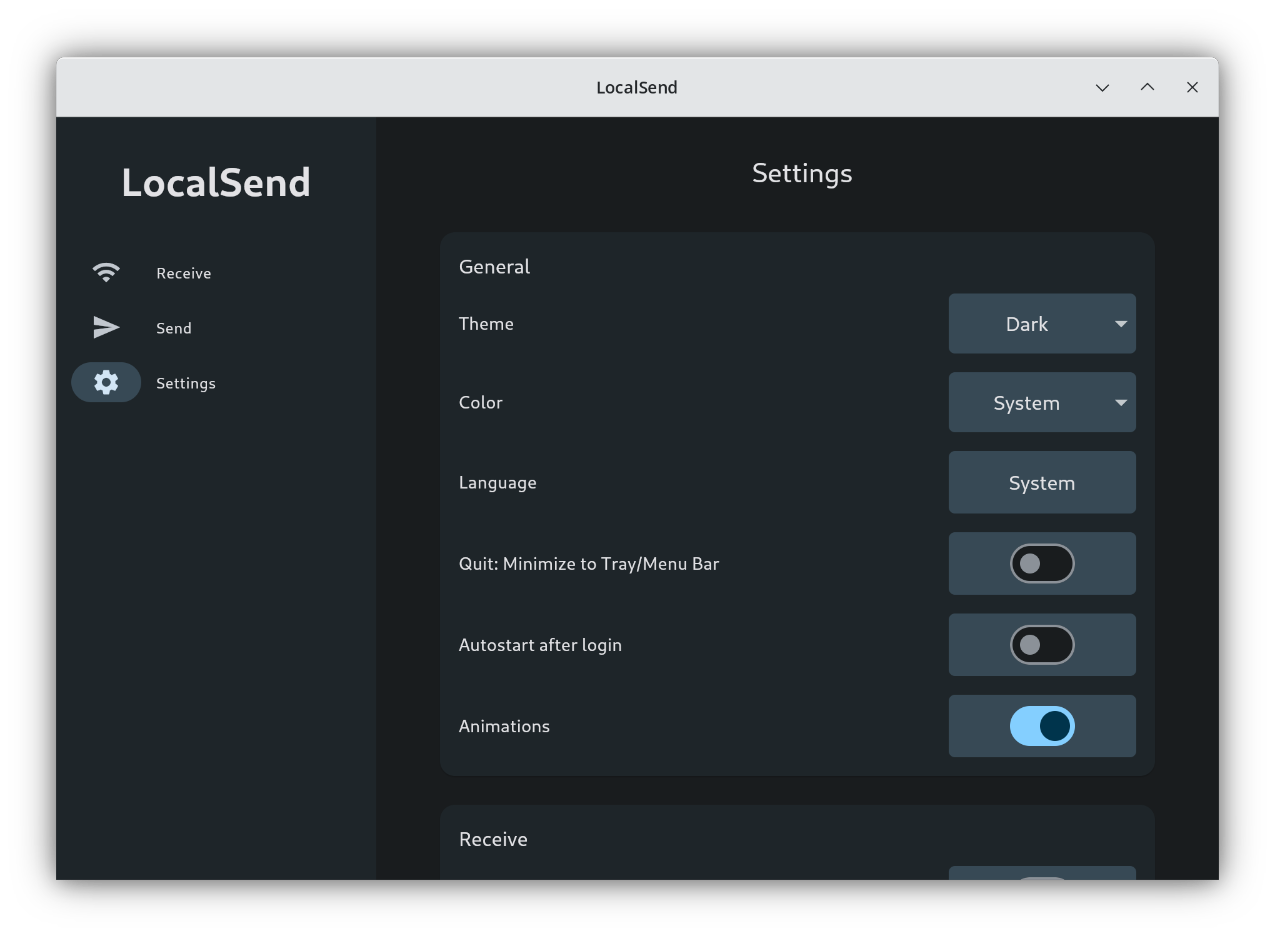
LocalSend settings for PIN and permissions - LocalSend.dev visual
LocalSend flexible sharing modes on mobile - LocalSend.dev visual

Flexible Sharing Modes & Any File Type

Choose one recipient, make files available to anyone on the local network, or share a download link that others can use while LocalSend remains open. No registration is required, and there is no forced file-type restriction.

  • • Direct send to a selected nearby device
  • • Network-wide availability for quick handoffs
  • • Link-based download when the sender app stays open
Questions about sharing modes? See FAQ →

Feature Feedback From Real Use

Community feedback and press themes around privacy, speed, and true cross-platform sharing.

★★★★★

"An open-source AirDrop alternative that finally works for everyone, not just one ecosystem."

Tech press summary · Cross-platform focus

★★★★★

"I moved huge files without Dropbox or Google Drive. Everything stayed on my own Wi-Fi."

Power user · Offline transfers

★★★★★

"LocalSend replaced AirDrop in my mixed setup. Phone to Windows transfers are painless."

Android + Windows household

★★★★★

"No account, no ads, HTTPS encryption, and no file size limit. Exactly what local sharing should be."

Community review · 5.0 rating

★★★★★

"Favorites auto-accept is perfect for sending photos to my PC when I am away from the desk."

Daily driver workflow

★★★★★

"Privacy-first teams get peer-to-peer LAN transfers without routing files through a vendor cloud."

IT / security-minded users

★★★★★

"An open-source AirDrop alternative that finally works for everyone, not just one ecosystem."

Tech press summary · Cross-platform focus

★★★★★

"I moved huge files without Dropbox or Google Drive. Everything stayed on my own Wi-Fi."

Power user · Offline transfers

★★★★★

"LocalSend replaced AirDrop in my mixed setup. Phone to Windows transfers are painless."

Android + Windows household

★★★★★

"No account, no ads, HTTPS encryption, and no file size limit. Exactly what local sharing should be."

Community review · 5.0 rating

★★★★★

"Favorites auto-accept is perfect for sending photos to my PC when I am away from the desk."

Daily driver workflow

★★★★★

"Privacy-first teams get peer-to-peer LAN transfers without routing files through a vendor cloud."

IT / security-minded users
Put these features to work

Download LocalSend, then use Guides if discovery or firewall rules need a quick tune-up.