LocalSend software mark
LocalSend LAN sharing desk · LocalSend.dev
Home / download
Skip to content

Get LocalSend

Download LocalSend

Install the latest release for your platform. LocalSend is free, open source (Apache 2.0), and designed for private offline sharing on your local network.

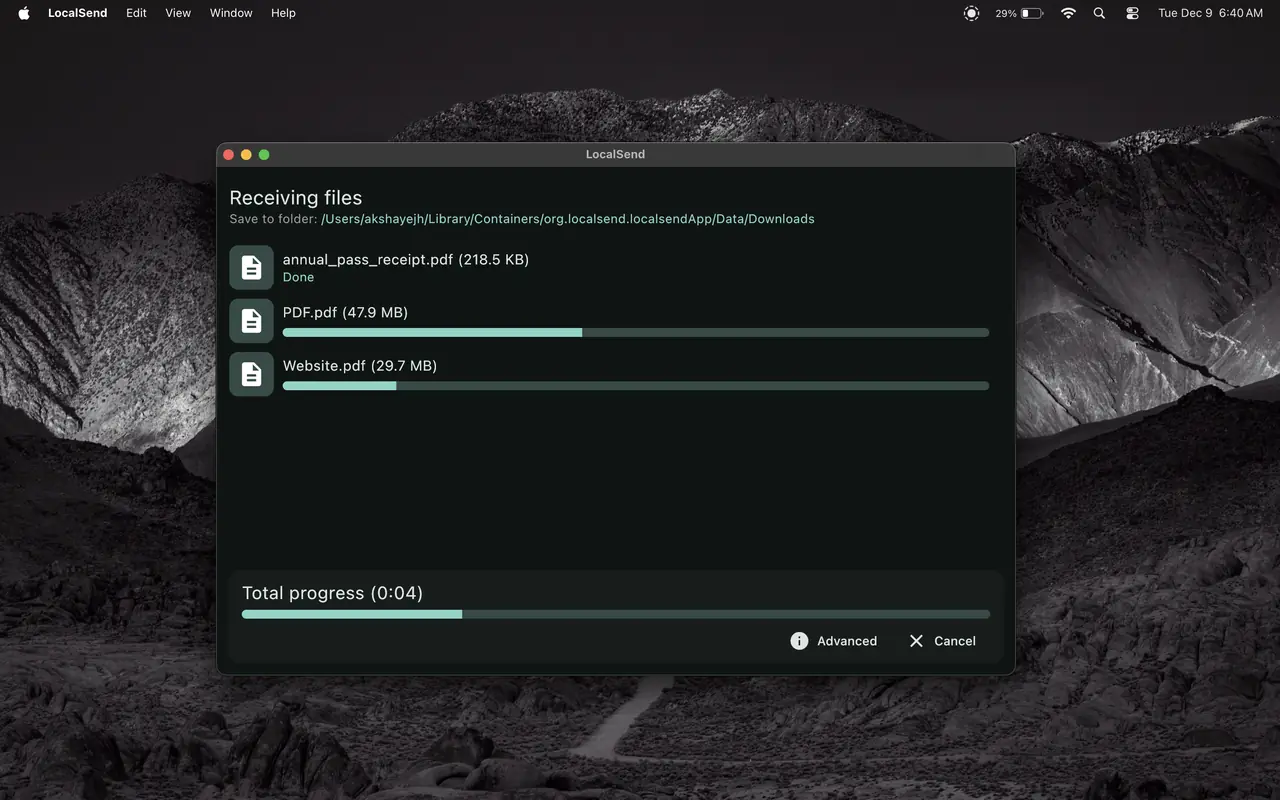
LocalSend application window ready to download and install - LocalSend.dev visual

Latest Version Information

Current Windows package details published for LocalSend 1.18.2.

Version
1.18.2
Package type
EXE (Windows)
Approximate size
18.08 MB
License
Apache 2.0
Developer
Tien Do Nam
Release window
August 2026 package listing

Supported platforms

  • Windows
  • macOS
  • Linux
  • Android
  • iOS
Download Latest

Platform Downloads

Choose your operating system and download the matching LocalSend package.

LocalSend color 256

Windows

EXE installer for modern Windows desktops and laptops.

Download Windows
LocalSend color 256

macOS

Native build for Mac systems sharing on the same LAN.

Download macOS
LocalSend color 256

Linux

Desktop package options for popular Linux distributions.

Download Linux
LocalSend on Android - LocalSend.dev visual

Android

Mobile app for phones and tablets on your Wi-Fi network.

Download Android
LocalSend on iOS - LocalSend.dev visual

iOS

Share with iPhone and iPad devices in the same local network.

Download iOS
LocalSend color 512

Portable / Archive

Zip or alternate package formats when you need a portable install.

Download Archive

Source Transparency & Integrity

SHA256 checksum explanation

A SHA256 hash is a fingerprint of the exact installer bytes. After downloading, compute the hash of your file and compare it with the published value. Matching hashes confirm the package was not altered in transit.

SHA256 (Windows 1.18.2 reference): f53856750ad087a17b996309171262fa7d89071c350e0dc5df6530f34dd8a2ae

Always verify against the checksum published with the package you actually downloaded.

Signatures & open source

LocalSend is distributed as open-source software under Apache 2.0. Prefer packages obtained through this LocalSend.dev download page. Avoid random mirrors that do not publish checksums.

Signed installers and store listings add another integrity layer on platforms that support code signing or store review.

Antivirus False-Positive Clarification

Network-capable utilities that open local ports, accept incoming connections, or transfer arbitrary file types are sometimes flagged by heuristic antivirus engines even when the software is legitimate. LocalSend may receive occasional false positives because it behaves like a local sharing service.

  • Verify the SHA256 hash before installing.
  • Prefer packages from this LocalSend.dev download page.
  • If a scanner warns you, compare the file hash and review the antivirus guidance before allowing or blocking.

Security and Integrity Checklist

1. Confirm source

Download only from LocalSend.dev package links, not from unknown reuploads.

2. Verify hash

Match SHA256 to the published fingerprint for that exact version and file type.

3. Review permissions

Allow local network access so discovery works, then keep receive confirmation or PIN enabled as needed.

"Installer was small, setup took seconds, and transfers started immediately."

Windows user

"Checksum verification gave me confidence before deploying it to team laptops."

IT admin

"Same app family across phone and PC, no account wall."

Mobile + desktop

"Installer was small, setup took seconds, and transfers started immediately."

Windows user

"Checksum verification gave me confidence before deploying it to team laptops."

IT admin

"Same app family across phone and PC, no account wall."

Mobile + desktop
"Installer was small, setup took seconds, and transfers started immediately."

Windows user

"Checksum verification gave me confidence before deploying it to team laptops."

IT admin

"Same app family across phone and PC, no account wall."

Mobile + desktop

"Installer was small, setup took seconds, and transfers started immediately."

Windows user

"Checksum verification gave me confidence before deploying it to team laptops."

IT admin

"Same app family across phone and PC, no account wall."

Mobile + desktop
"Installer was small, setup took seconds, and transfers started immediately."

Windows user

"Checksum verification gave me confidence before deploying it to team laptops."

IT admin

"Same app family across phone and PC, no account wall."

Mobile + desktop
"Installer was small, setup took seconds, and transfers started immediately."

Windows user

"Checksum verification gave me confidence before deploying it to team laptops."

IT admin

"Same app family across phone and PC, no account wall."

Mobile + desktop